Showing posts with label BYOD. Show all posts

Friday, April 11, 2014

mobile learning on mobile devices - Infuse Learning

So far I have talked about two mobile learning resources, Kahoot and Socrative. The third resource I have recently learned about is Infuse Learning.

I first heard about Infuse Learning at ISTE 2013 and then again at FETC 2014.  I figured it was time for me to check it out!

Infuse Learning is a cross platform assessment platform for teachers and students. To start, teachers create a free account at www.infuselearning.com. Once the account is created, teachers could start with on the fly questions or dive in a little more with creating assessments and classes.

Lets go back to the account creation. Once created, you will see this screen...

The enrollment type for my session is open. In order for students to join, they go to student.infuselearning.com on any device that has Internet access. The screen will prompt the student to enter the Room ID (located on the upper left corner) and their name.


The Quick Assessment question types are what I call "on the fly" questions. You can ask these at any point during a lesson or activity. These do not require any prep before hand, hence the name.

For example, if you were to ask a multiple choice question, the students would see this on their device's screen.


 Notice, there are no answers next to the multiple choice options. The students either have something in front of them or something was asked verbally.

The other Quick Assessments include:
- Draw Response - The students can draw their answer and submit it.
- True/False - The students can select true, false, or don't know.
- Multiple Choice - The students can select from a section, depending on how the teacher creates it.
- Sort in Order - The students can place multiple items in order, depending on how the teacher creates it.
- Open Ended Text Answer - The students type in their answer.
- Numeric - The students type in a number answer.
- Likert Scale - The students select depending on how the teacher creates it.

If you want a more formal assessment, you can create a quiz within quiz management.


There is more to Infuse Learning than I have talked about, so if these features excite you then I encourage you to check it out!


Friday, March 14, 2014

mobile learning on mobile devices - Socrative

My district, like may others around the US are looking at becoming a BYOD/BYOT district. With the introduction of various devices, the need for cross platform resources is a must!  In my first post on this topic, I talked about KaHoot! Today's resource is a rather popular mobile learning resource - Socrative.

I first learned about Socrative last year from my PLN and again from a teacher in one of our elementary schools. She was using Socrative with the laptop cart from the library. This year, I have seen students using Socrative with iPods/iPads as well. That is what is so great about Socrative, it is not device or platform specific.


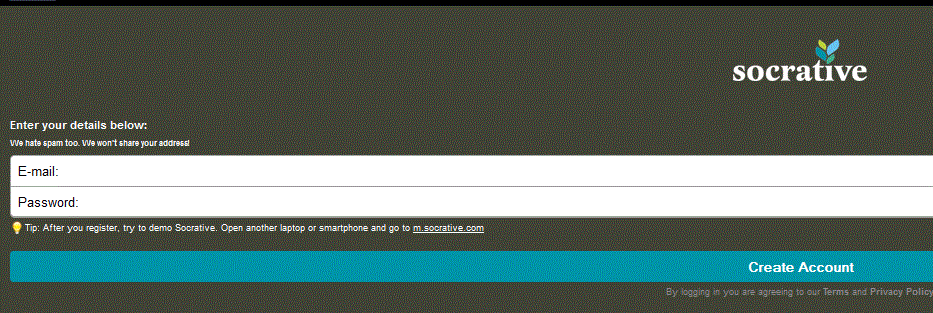
First, teachers need to create an account at the Socrative website. Students do not need an account, but we will explain why in a moment. Teachers can access Socrative by going to t.socrative.com or using the app available on iOS, Windows, and Android devices.

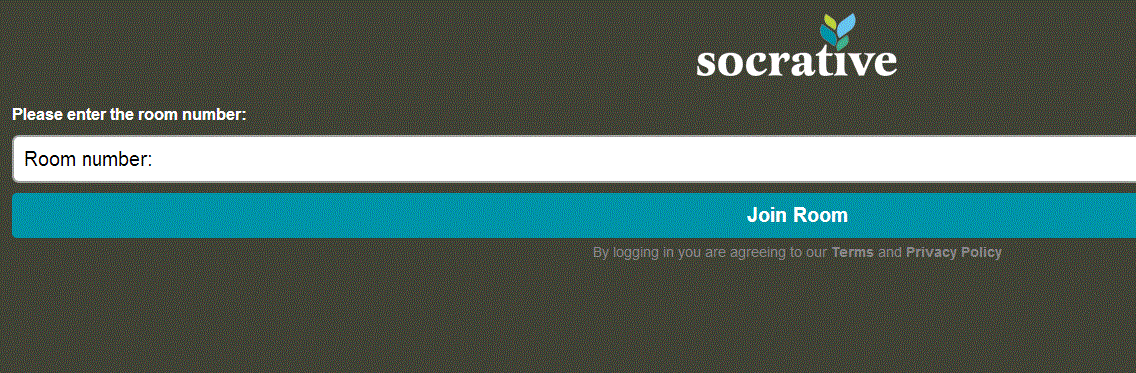
Once the account is created, students can access Socrative by going to m.socrative.com and using the app available on iOS, Windows, and Android devices. Students will need one thing to "log in" and that is the room number assigned to the teacher by Socrative.


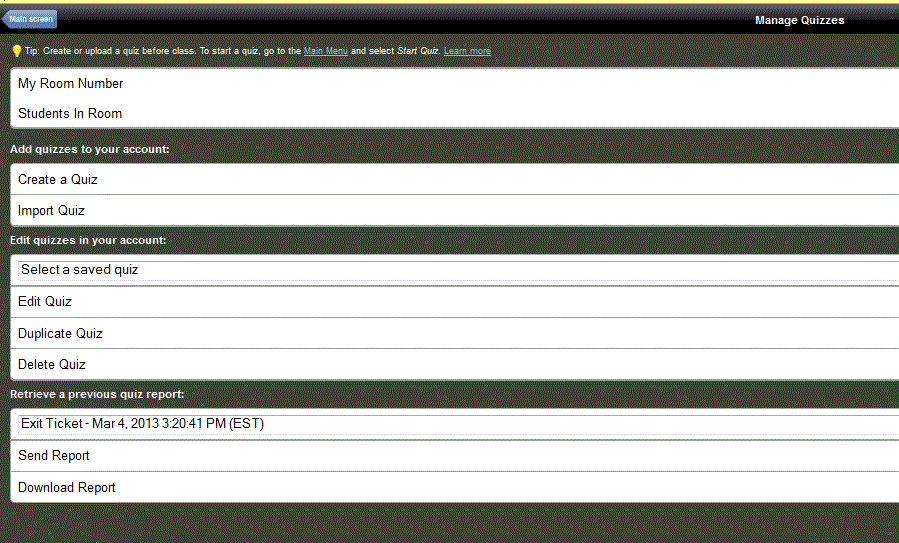
Teachers can create formal quizzes or do what I like to call "on the fly" assessing.  "On the fly" assessing allows teachers to stop and do an understanding check during a lesson. Formal quizzes can be multiple choice, true/false, or short answer.


Socrative also allows you the create exit tickets and a game called Space Race. Of course, data on how the students performed is always available through the reports.  You can also see "live data" as the students answer teacher paced questions, like "on the fly".

An example of  an "on the fly" question for students.

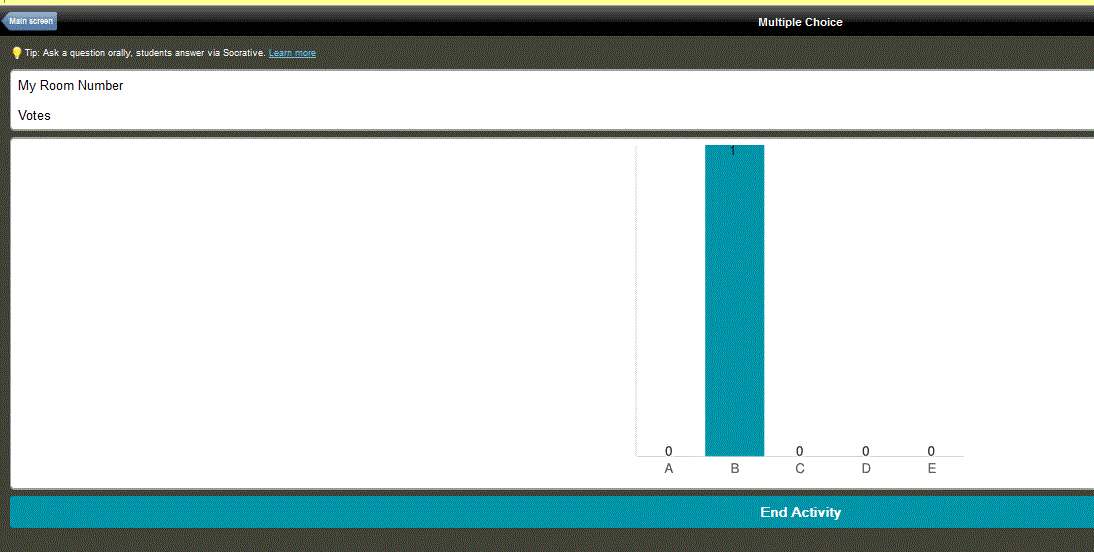
This is what the teacher sees as the students respond.

Socrative does offer user guides and helpful resources in the Socrative Garden. There is a Socrative 2.0 that I am excited to learn more about, so be sure to check that out!

Do you use Socrative?  What are your thoughts? Share your ideas!


Tuesday, February 18, 2014

mobile learning on mobile devices - Kahoot!

With more district moving to BYOD and BYOT policies, it is becoming critical to provide cross platform resources and suggestions to teachers.  Training can no longer be on just one program but rather how multiple resources can help a specific concept or standard.

In this blog series, We are going to look at a few mobile learning resources that can be used across a variety of platforms.  The first one we will look at is Kahoot!  I first learned about Kahoot! at FETC.  I actually heard it mentioned in two different sessions, so I made sure to check it out immediately.

Teachers start by going to getkahoot.com and creating a free account.

Once you have registered, you can sign in and start creating your first quiz, discussion, or survey.

After you have titled the quiz, you can start adding questions.  Questions can include images and videos taken straight from YouTube.  You can adjust whether the question is worth points and how long the students have to answer.


After you have added questions, you are ready to play with the students. When you launch the quiz, students can join using the website kahoot.it and the game-pin code. This game-pin code will change for every quiz. As the students join, their names will appear on the screen.

The questions will appear on the computer screen and the students will answer using their device. 


Your competitive students will enjoy Kahoot! After each question, students are ranked based on the speed at which they answered.

Kahoot is a great resource for lower elementary students because of its simply design. Secondary classrooms can also benefit from Kahoot because of its cross platform ability.

Have you ever used Kahoot? What are you thoughts?